Excel Essentials: Complete Beginner to Intermediate

4.8 (0 students)
Last updated January 2026
Beginner Web Development excel spreadsheet beginner formulas microsoft office
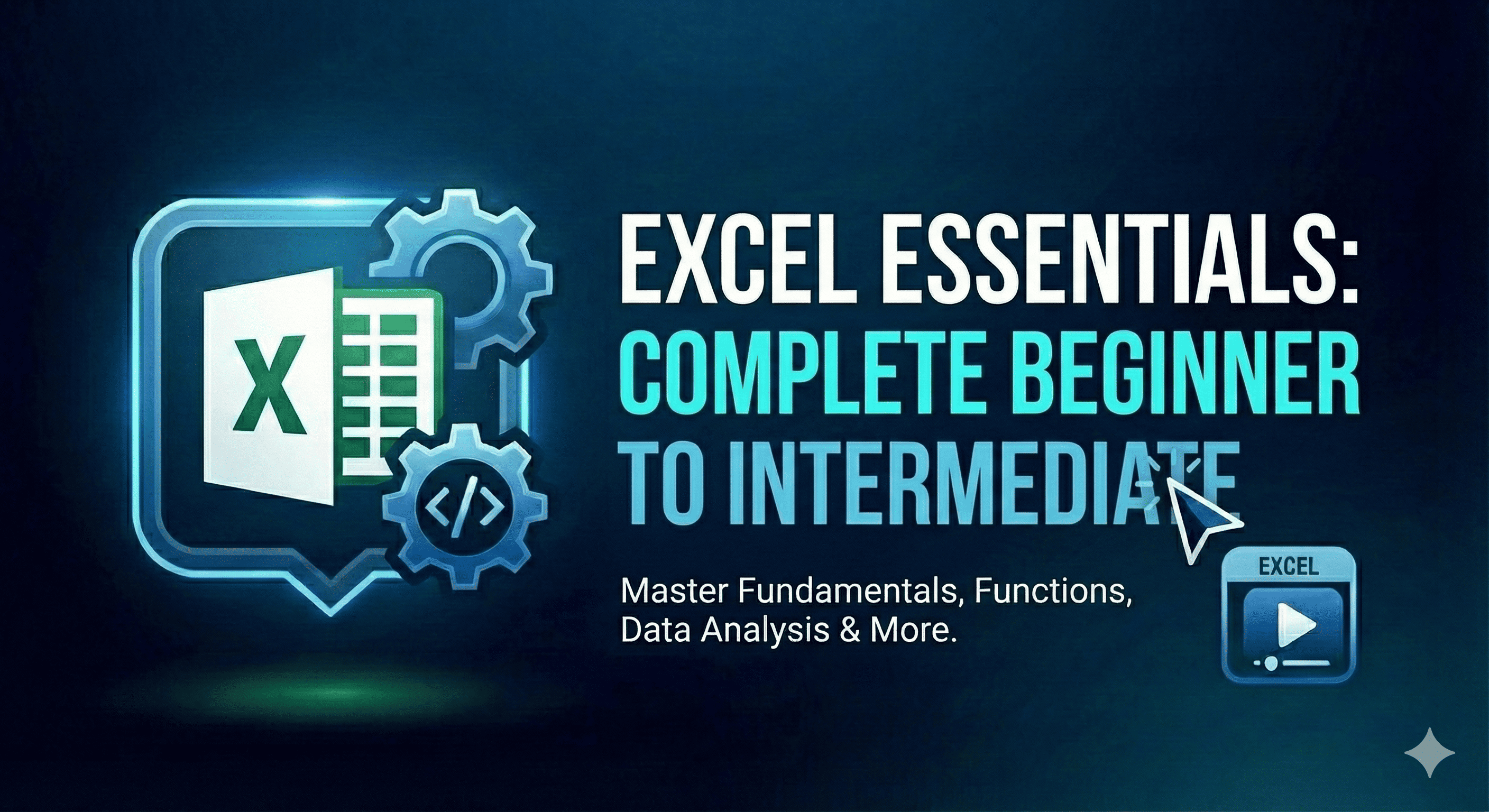
Excel Essentials: Complete Beginner to Intermediate
FREE
38 Lessons
18 Hours of Content
Certificate of Completion

Course Description

Master Microsoft Excel from scratch! Learn everything from basic navigation to powerful formulas, charts, data management, and PivotTables. This hands-on course will transform you from a complete beginner to a confident Excel user ready for any workplace challenge.

What You'll Learn

Navigate Excel interface confidently
Enter and format data professionally
Use essential formulas: SUM, AVERAGE, IF, VLOOKUP
Create stunning charts and graphs
Manage and organize large datasets
Build basic PivotTables for analysis
Print and share workbooks effectively
Apply real-world Excel skills

Requirements

  • A computer with Microsoft Excel (2016 or later)
  • No prior Excel experience needed
  • Basic computer skills

Who This Course is For

  • Complete beginners to Excel
  • Students preparing for jobs
  • Professionals needing Excel skills
  • Anyone wanting to organize data better

This Course Includes

  • 18 hours on-demand video
  • Downloadable resources
  • Full lifetime access
  • Certificate of completion

Training 5 or more people?

Get your team access to our top courses.

Share this course

You May Also Like

Python Fundamentals: Beginner to Expert
Beginner

Python Fundamentals: Beginner to Expert

Instructor Mohammed Aamir Khan
₹1,200
MySQL Mastery: From Beginner to Database Expert
Beginner

MySQL Mastery: From Beginner to Database Expert

Instructor Mohammed Aamir Khan
₹1,999
CSS Mastery: Design Beautiful Websites
Beginner

CSS Mastery: Design Beautiful Websites

Instructor Mohammed Aamir Khan
₹799 ₹999