Introduction
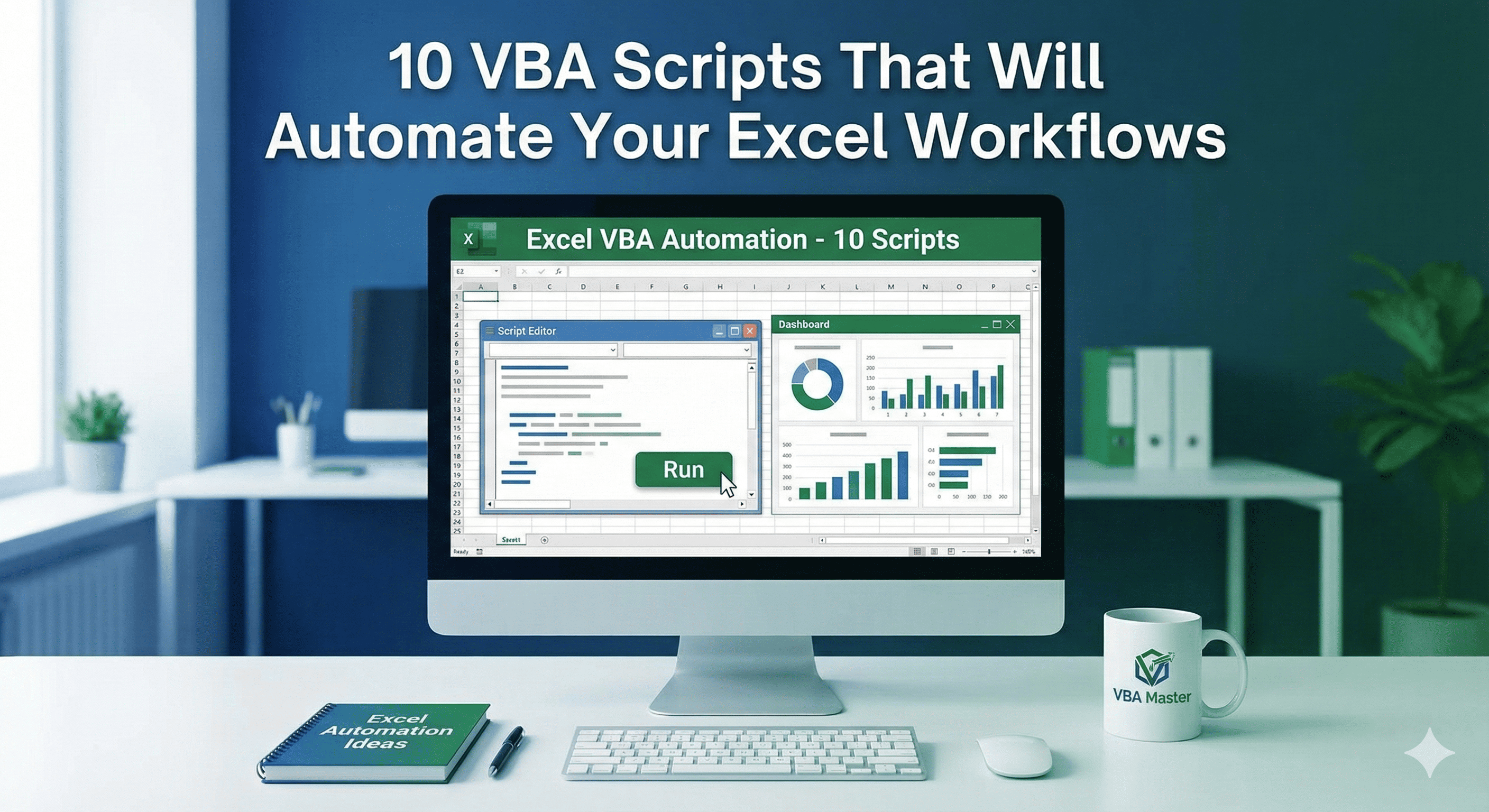
Excel is a powerful tool, but repetitive tasks can eat up your valuable time. VBA (Visual Basic for Applications) scripts can automate these tasks, saving you hours each week. Here are 10 essential VBA scripts every Excel user should know.
1. Auto-Save Workbook Every 5 Minutes
Sub AutoSave()
    Application.OnTime Now + TimeValue("00:05:00"), "AutoSave"
    ThisWorkbook.Save
End Sub
2. Delete Empty Rows
Sub DeleteEmptyRows()
    Dim rng As Range
    On Error Resume Next
    Set rng = ActiveSheet.UsedRange.SpecialCells(xlCellTypeBlanks)
    rng.EntireRow.Delete
End Sub
3. Highlight Duplicates
Sub HighlightDuplicates()
    Dim rng As Range
    Set rng = Selection
    rng.FormatConditions.AddUniqueValues
    rng.FormatConditions(1).DupeUnique = xlDuplicate
    rng.FormatConditions(1).Interior.Color = RGB(255, 199, 206)
End Sub
These scripts are just the beginning. Master VBA and unlock the full potential of Excel automation!