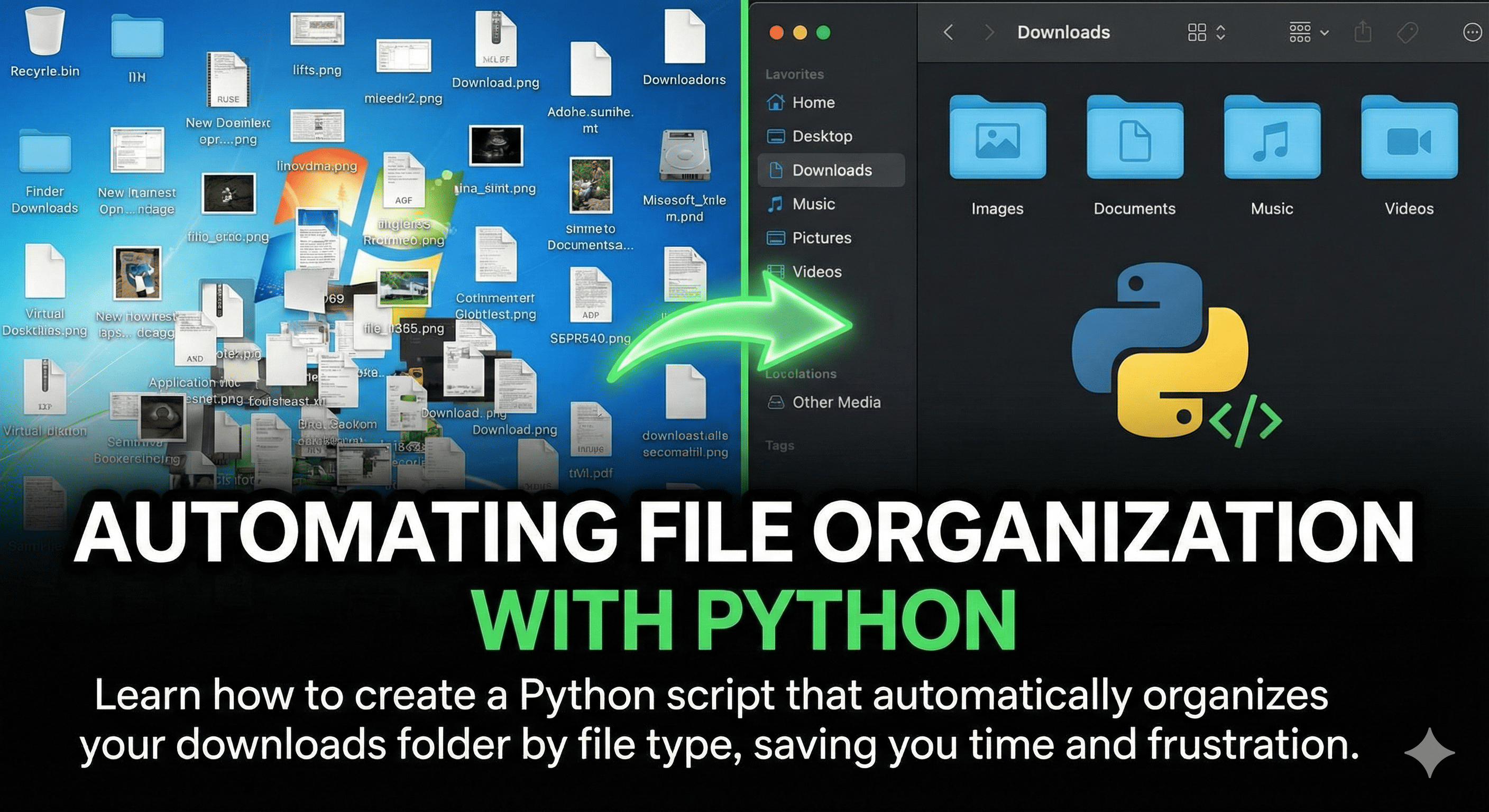
Keep Your Downloads Folder Clean Automatically
If your downloads folder looks like a digital junkyard, this Python script is for you. We'll create a script that automatically sorts files into categorized folders.
The Script
import os
import shutil
from pathlib import Path

downloads_path = Path.home() / "Downloads"

file_categories = {
    "Images": [".jpg", ".jpeg", ".png", ".gif", ".bmp"],
    "Documents": [".pdf", ".doc", ".docx", ".txt", ".xlsx"],
    "Videos": [".mp4", ".avi", ".mkv", ".mov"],
    "Archives": [".zip", ".rar", ".7z", ".tar"],
}

for file in downloads_path.iterdir():
    if file.is_file():
        for category, extensions in file_categories.items():
            if file.suffix.lower() in extensions:
                category_path = downloads_path / category
                category_path.mkdir(exist_ok=True)
                shutil.move(str(file), str(category_path / file.name))
                break
Run this script daily or set it up as a scheduled task for hands-free organization!